THISWEEK
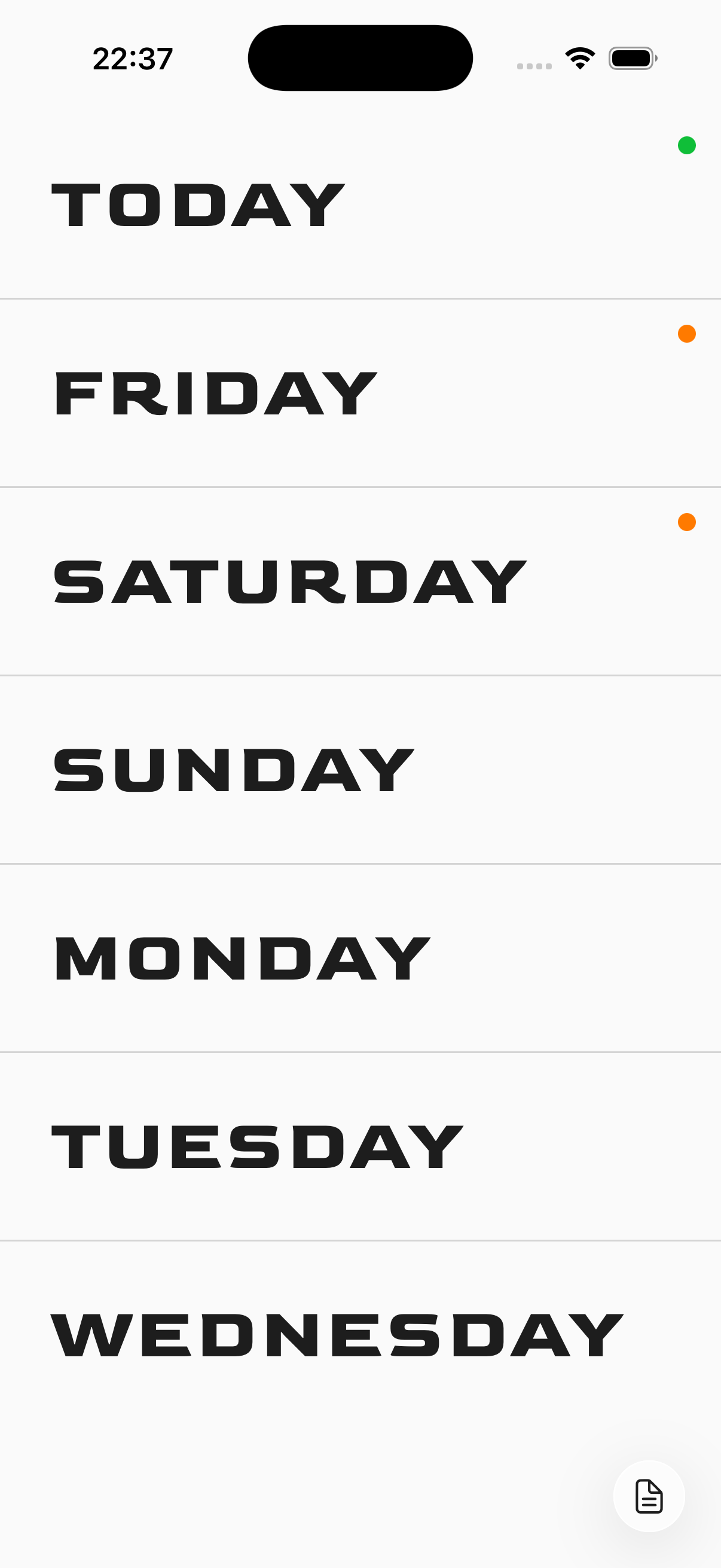
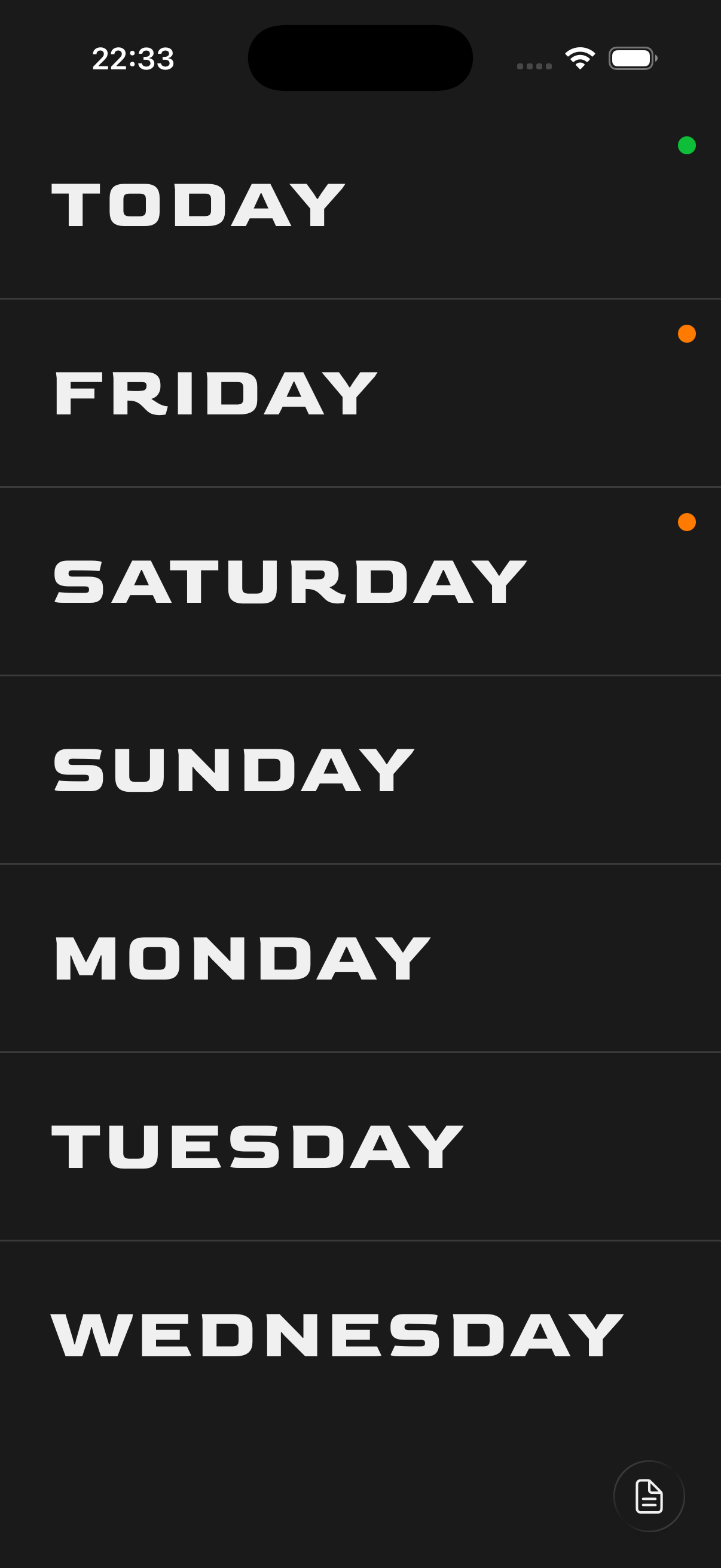
A minimal seven-day task planner. The app displays the current day and the six days ahead, each expandable to reveal tasks you want to get done that day.
Big shoutout to: Notiontick for the UI inspiration for this app!
Functionality
7-Day Task View
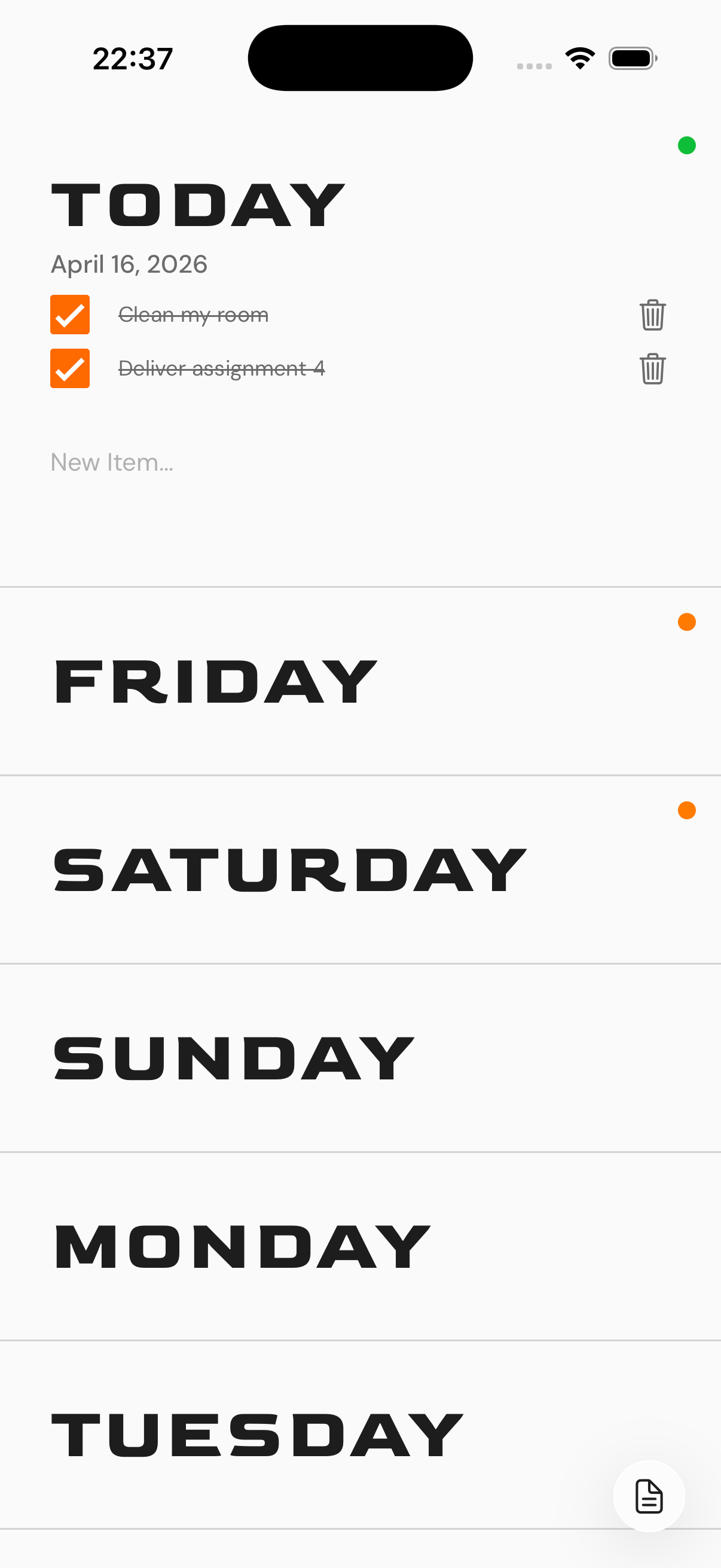
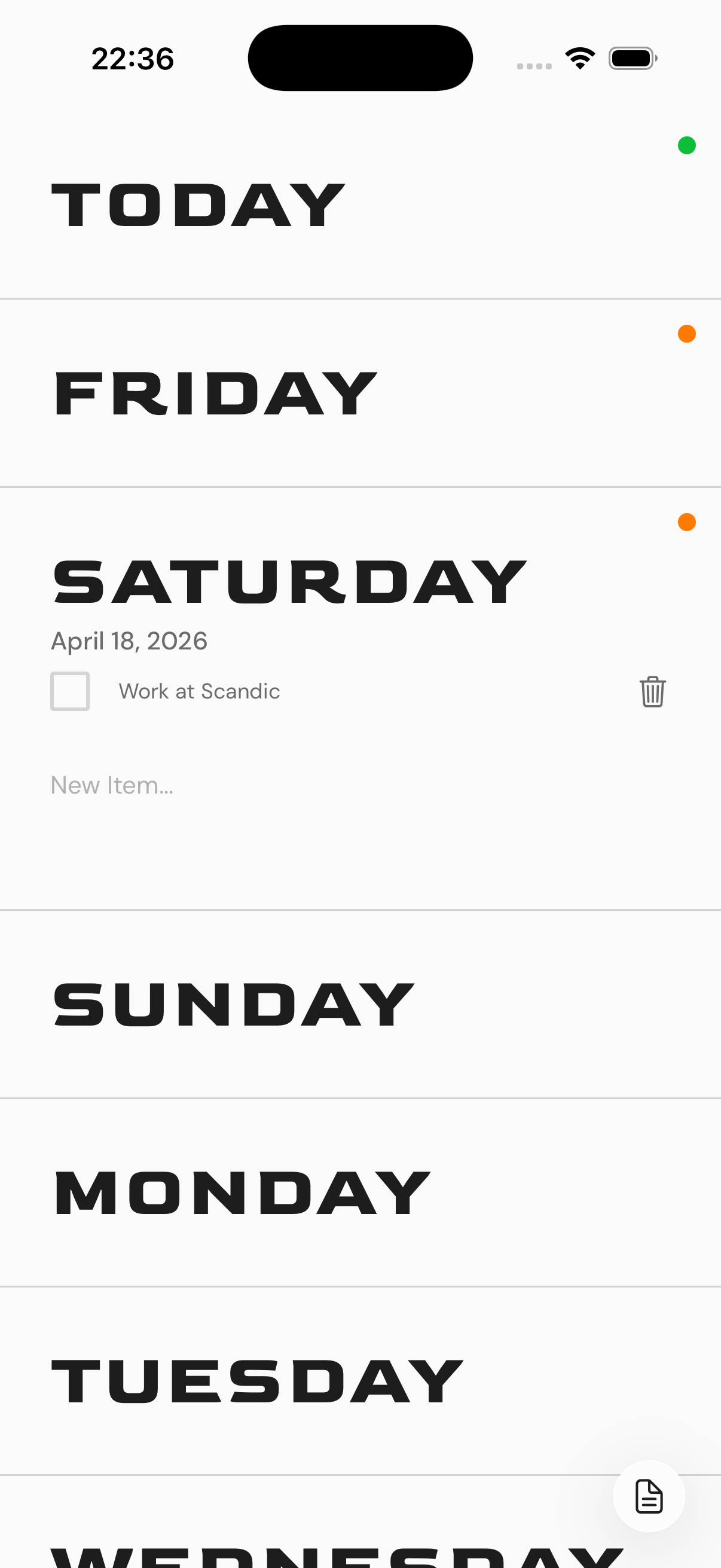
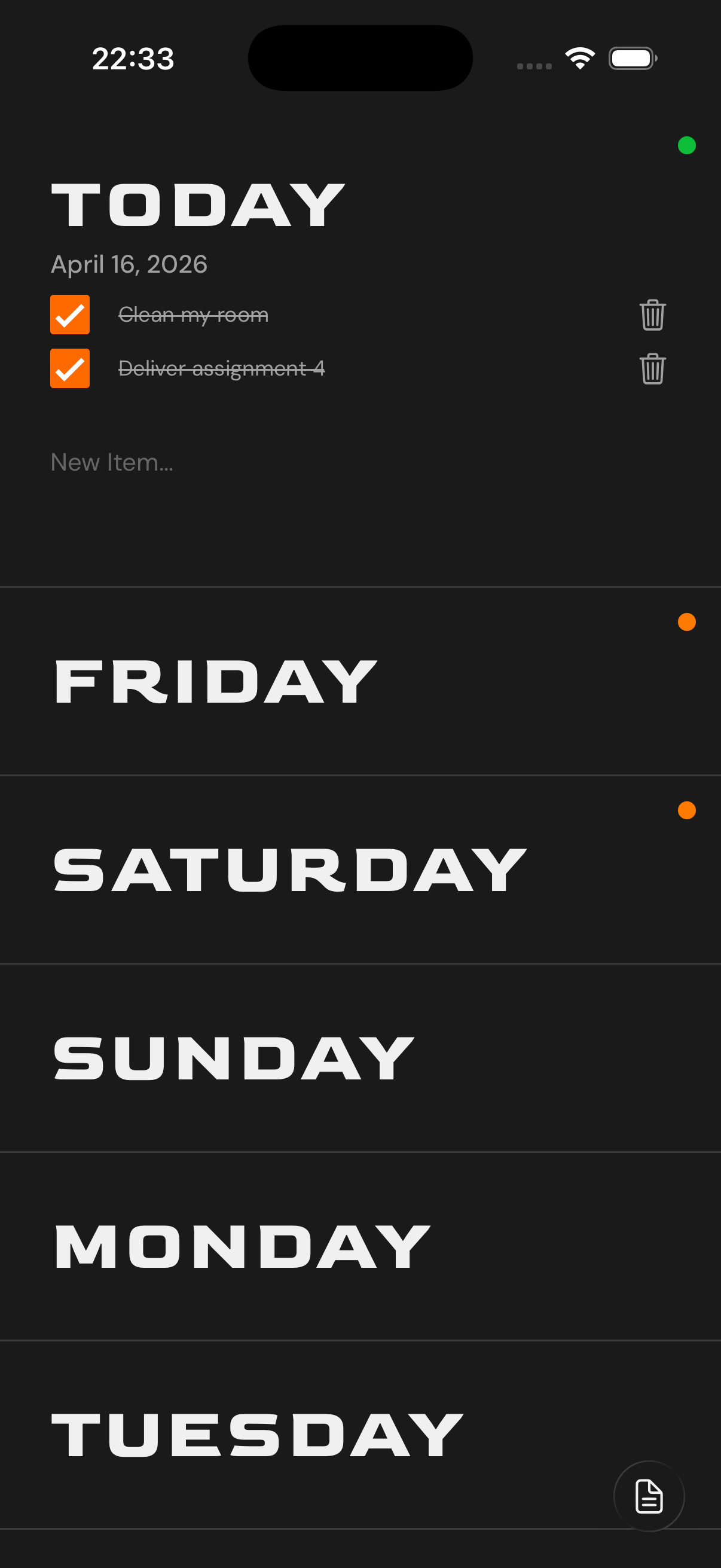
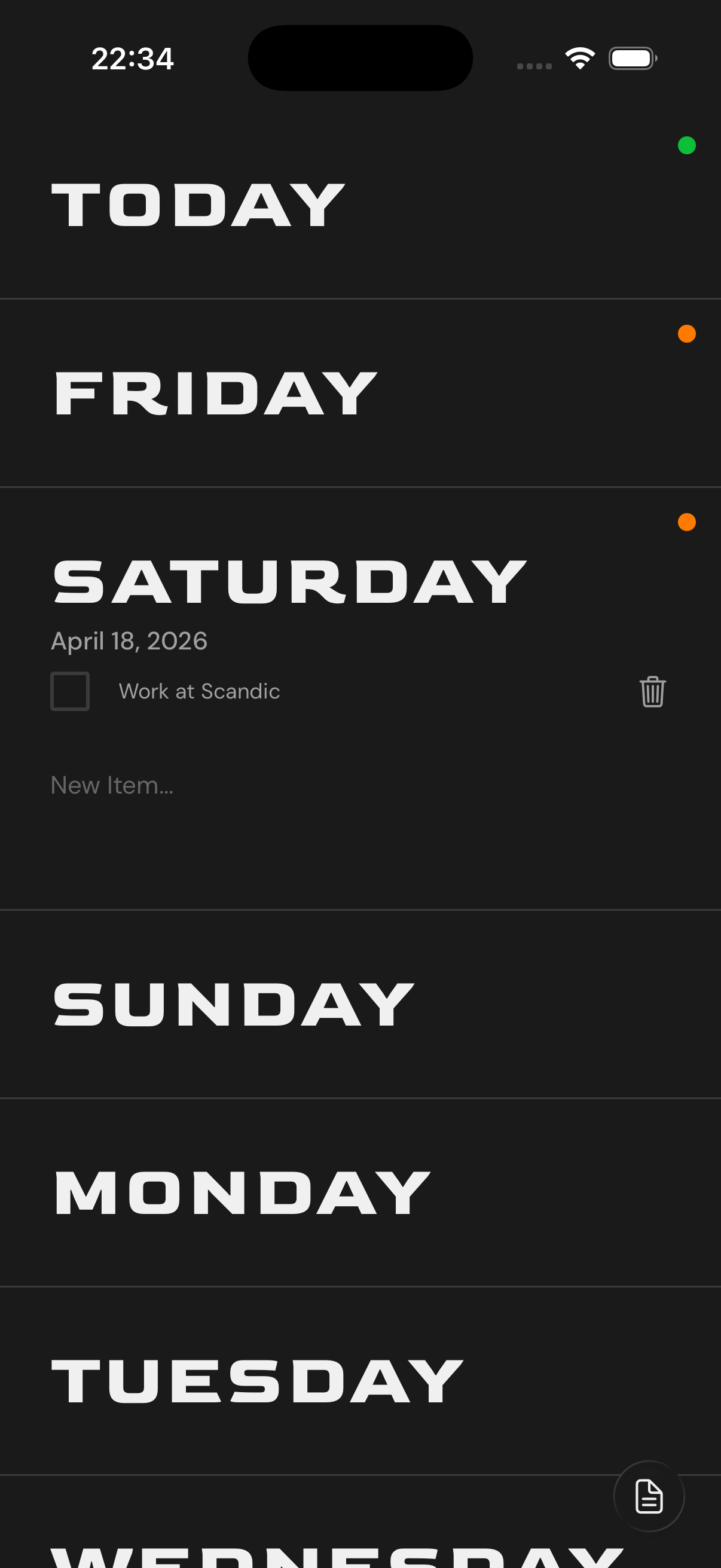
Displays today and the next six days as an expandable list. Each day shows a colored dot indicating task status –> orange for tasks in progress, green when all tasks are completed.
Per-Day Task Management
Tap any day to expand it and reveal its tasks. Add new tasks by typing in the input field and pressing done. Tasks can be checked off or deleted individually.
Automatic Day Rolling
At midnight, today’s date automatically rolls over to the next day. Past days and their tasks are cleaned up automatically so the view always stays current.
Persistent Storage
All tasks are saved locally on the device using AsyncStorage.
Quick Notes
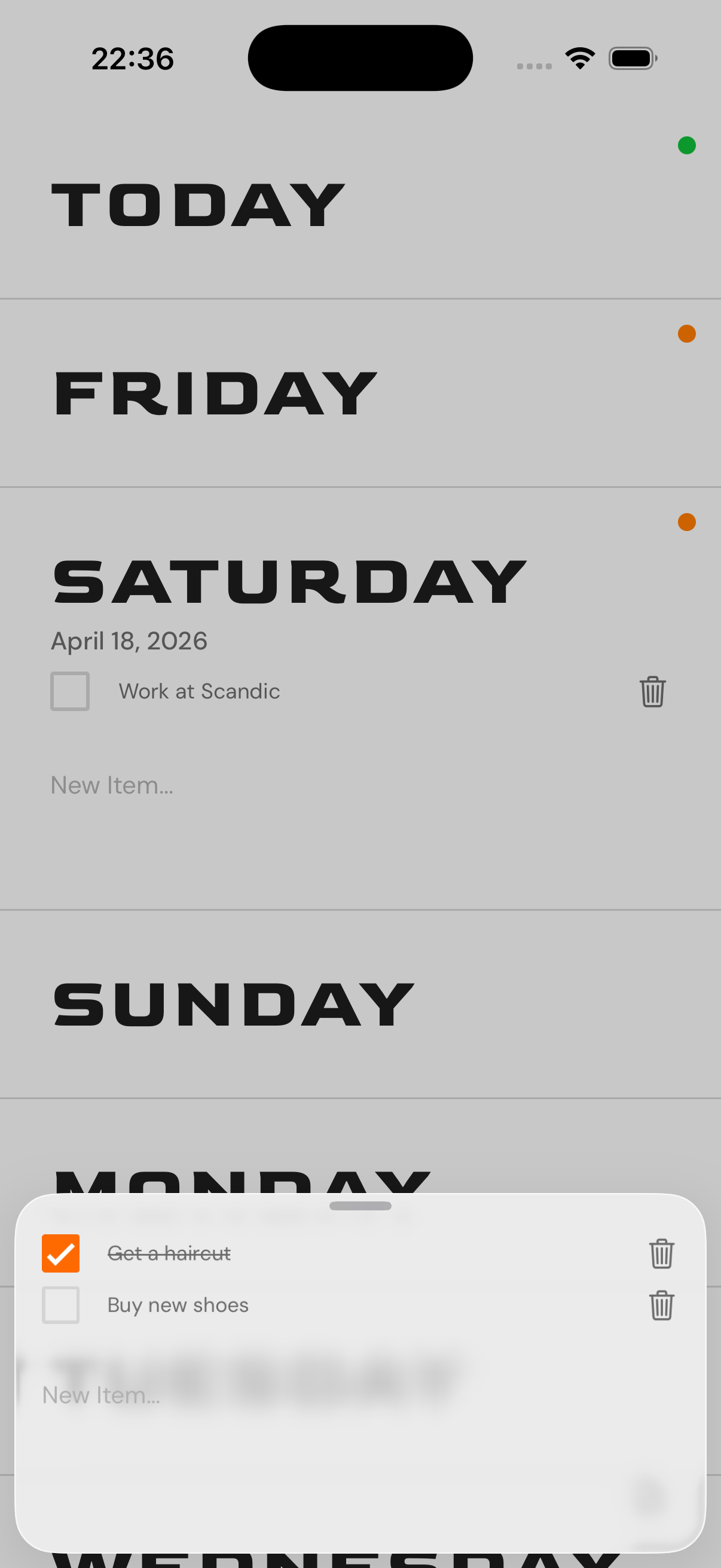
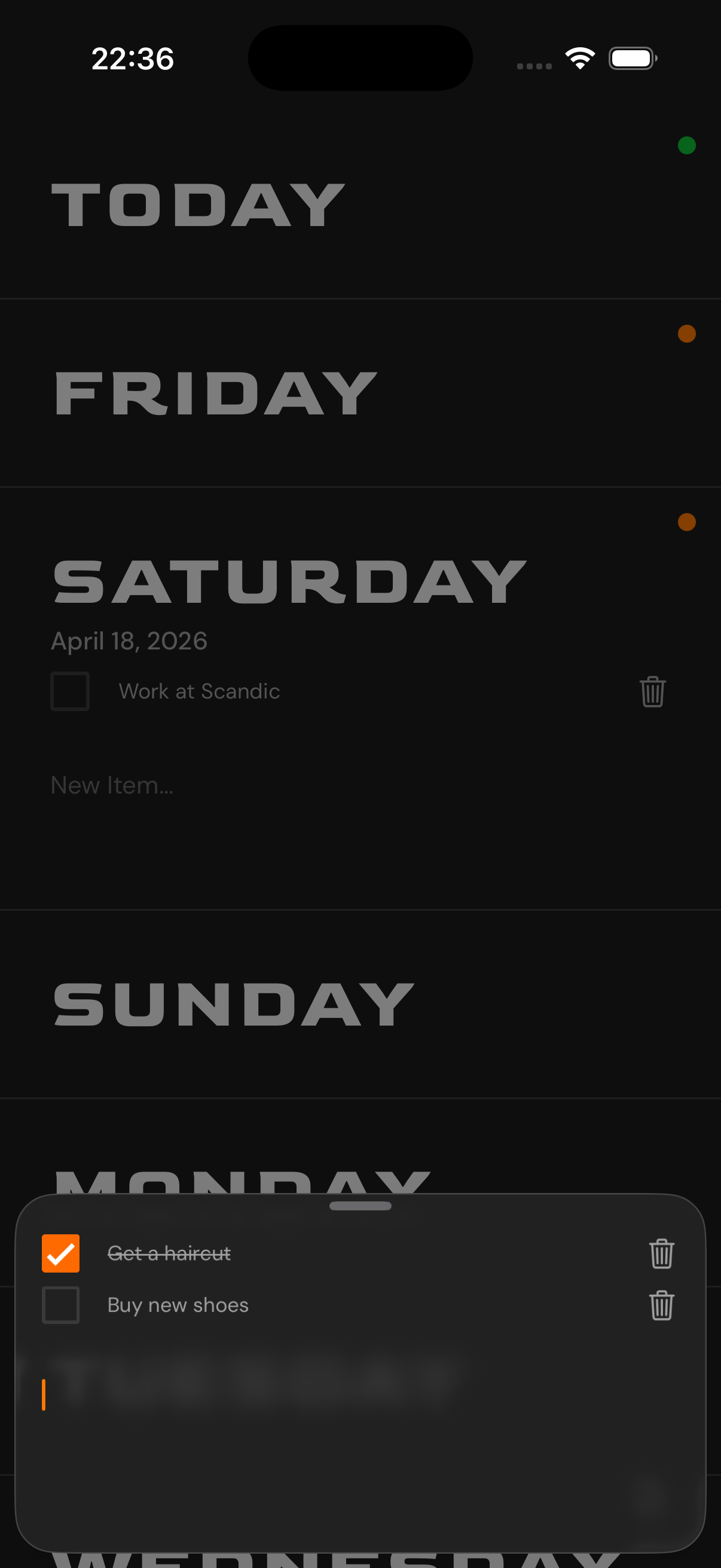
A floating action button gives quick access to a separate notes sheet for temporary items that don’t belong to a specific day.
Theming
Supports light and dark mode, adapting to the system appearance. On iOS 26, the UI takes advantage of Liquid Glass effects where available.
Screenshots
Light Theme:
 |
 |
 |
 |
Dark Theme:
 |
 |
 |
 |
Screen Recording (2x speed)
https://github.com/user-attachments/assets/8f32afd0-a5e5-45bb-a560-7fa91fb0e297
Support
Having trouble with Next Seven, or have a question or suggestion? Feel free to reach out!
Email: gjermundmyrvang@gmail.com
Common issues:
- Tasks not saving –-> Make sure the app has not been force-closed during a sync. All data is stored locally, so no internet connection is required.
- Day not rolling over –-> Try pulling down to refresh the app or close and reopening it. The automatic midnight rollover triggers on app launch if the date has changed.
- Notes not appearing –-> Access quick notes via the floating action button on the main screen.
For bug reports or feature requests, you can also open an issue on GitHub.
IOS
The app is curently available via TestFlight:
How to install
- Open the TestFlight link on your iPhone
- Install the TestFlight app if you don’t already have it
- Accept the invite
- Install Next Seven from TestFlight
Android Download (APK)
Download the latest Android version:
Since this app is not on the Play Store, you need to install it manually.
Step 1: Allow unknown apps
When prompted, allow installation from your browser or file manager:
- On devices running Android 8.0 (API level 26) and higher, you must navigate to the Install unknown apps system settings screen to enable app installations from a particular location (i.e. the web browser you are downloading the app from).
- On devices running Android 7.1.1 (API level 25) and lower, you should enable the Unknown sources system setting, found in Settings > Security on your device.
Step 2: Install the APK
- Open the downloaded
nextseven.apk - Tap Install
- Wait for installation to finish
Web Version
Click this link to see the web version of the app ;)
Fonts
Goldman Bold is used for day headings, and DM Sans for all supporting text.
Privacy Policy
The Privacy Policy for this app can be found here